13All plansWith server account

Pick up at your desk where you left off outside.

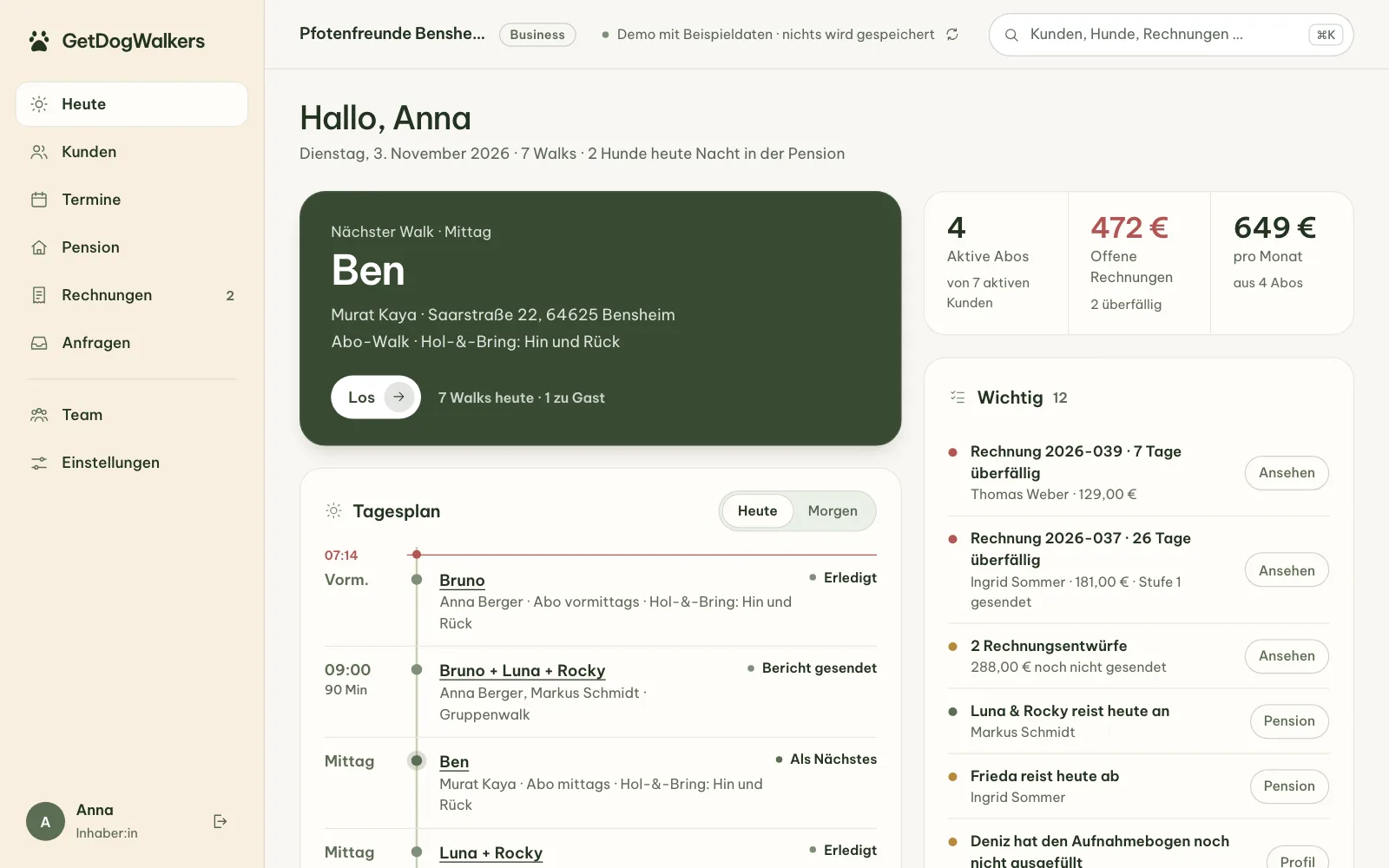
Some things are easier on a big screen. The web dashboard shows your business in the browser, with the same data as the app. And your calendar knows your appointments without you entering them twice.

Web dashboard in the browser (German interface): Today view with the next walk, daily plan, subscription and open-invoice figures and the Important list. Demo with sample data.
Web dashboard & calendar

What's inside

  • A web dashboard in every planSign in at app.getdogwalkers.com/dashboard with your server account. Today, clients, appointments, boarding, invoices, inquiries, team and settings. Which areas you can use follows your plan, just like in the app.
  • Demo with an invitation codeAn invitation code from us opens a sample business: open the demo and enter the code. No code yet? Request a demo. Nothing is saved.
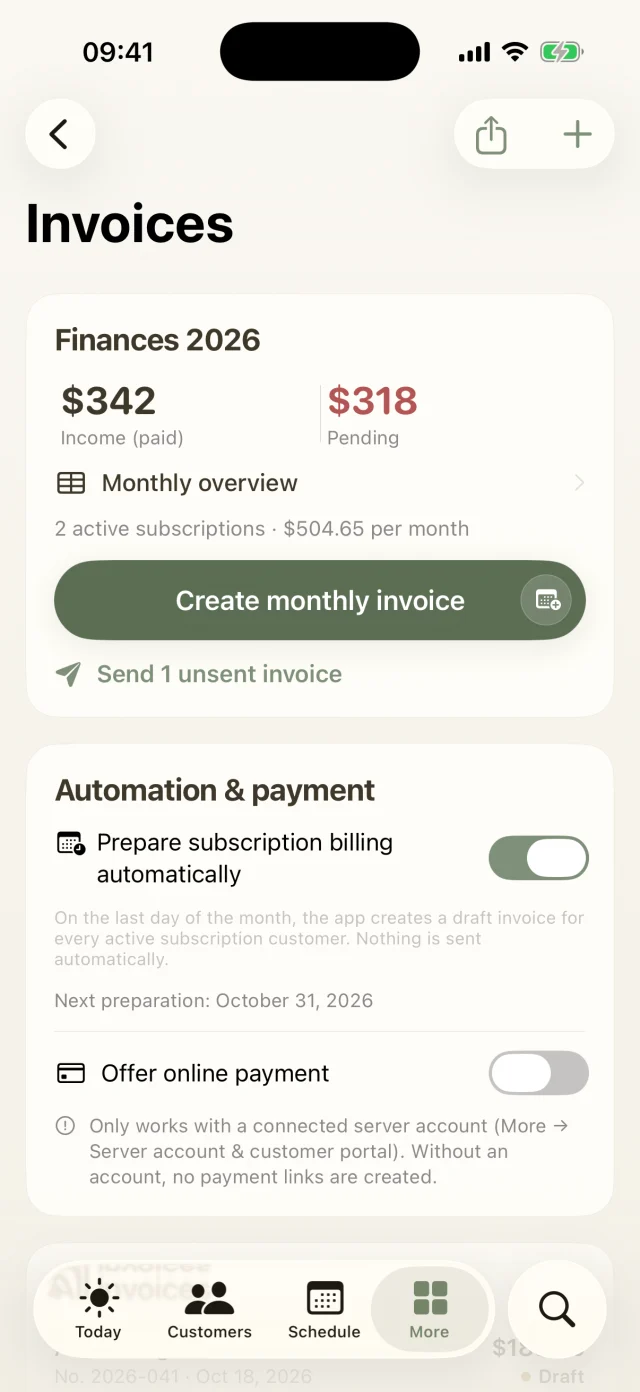
  • One set of data for app and browserDashboard and app work with the same data on the server. Mark an invoice as paid on your computer and the app sees it at the next sync.
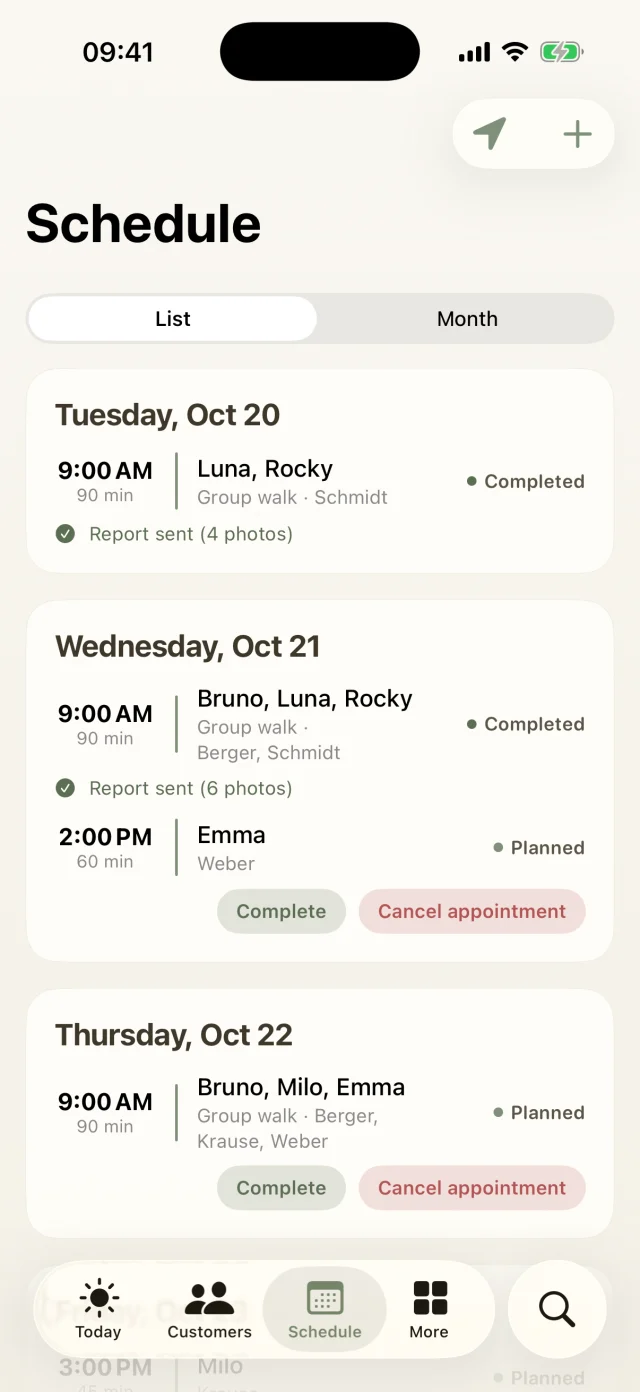
  • Calendar feed for iPhone, Google and OutlookA private link brings your appointments and boarding stays into your calendar app. On iPhone it takes one tap, for Google and Outlook you copy the link.
  • A secret link, renewable any timeThe link contains a long secret key. Create a new one and the old one stops working immediately.
Good to know

The most common questions on this topic. You'll find even more answers in the Help Center.

What does the web dashboard cost?

Nothing extra. The web dashboard is included in every plan, in Starter just as in Pro, Business and Pension. Which areas you can use follows your plan, just like in the app. To sign in you need a server account, which you set up in the app.

Can I try the dashboard first?

Yes, with an invitation code. Request the demo through the support form (topic “Demo”) and we will send you a code. Then open app.getdogwalkers.com/dashboard, tap Demo ansehen and enter the code. You will see a sample business with clients, walks, boarding guests and invoices. A demo runs for up to 8 hours; nothing you change there is saved.

Is the dashboard available in English?

Right now the web dashboard’s interface is in German only. The iPhone app itself speaks six languages.

How do I subscribe to my calendar?
  1. In the app, open More → Settings → Subscribe to calendar.
  2. On iPhone, tap Subscribe in Calendar and confirm. For Google Calendar or Outlook, tap Copy link and add it there as a calendar from a URL.
  3. The calendar shows your appointments from the last 30 and the next 365 days, except cancelled ones. Boarding stays appear as all-day events, requested stays as tentative.

How often the calendar refreshes is up to your calendar app. Only owners can create a new link. After that, subscribe to the calendar again.

Still have questions? Just write to us.

Behind GetDogWalkers is a small team of dog lovers. We answer personally, usually the very same day.

A woman with red curls and glasses walks three leashed dogs through an autumn park.

Your pack
is waiting.

GetDogWalkers launches in January 2027. Pre-register now and get 30% off your monthly subscription for the first 6 months. From launch, every plan also comes with a 7-day free trial.